by Emma Dennison | How to
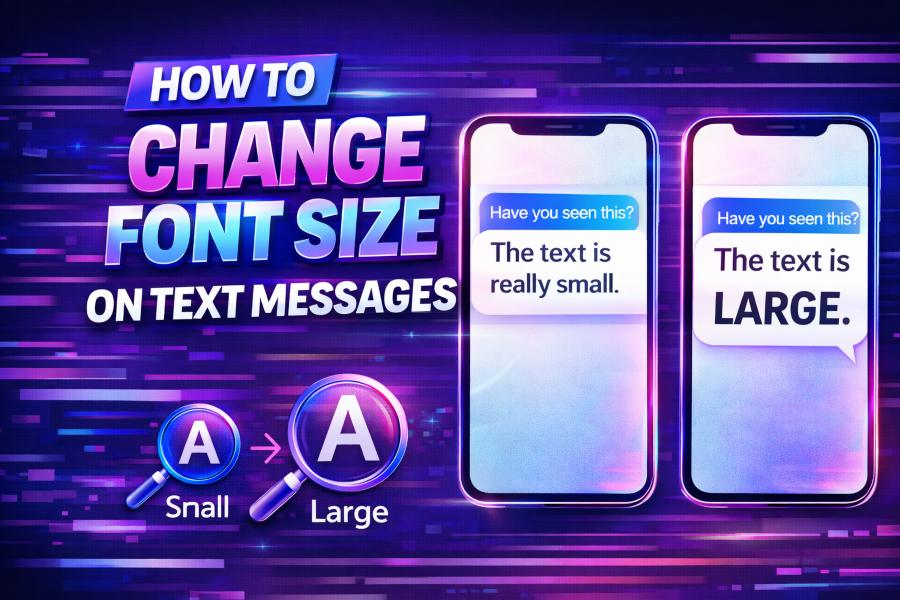
Font size can have a significant impact on your text messaging experience. Whether you’re looking to make your texts easier to read or just want to adjust the font for personal preference, it’s an easy customization to make. In this guide, we’ll walk...
by Emma Dennison | How to
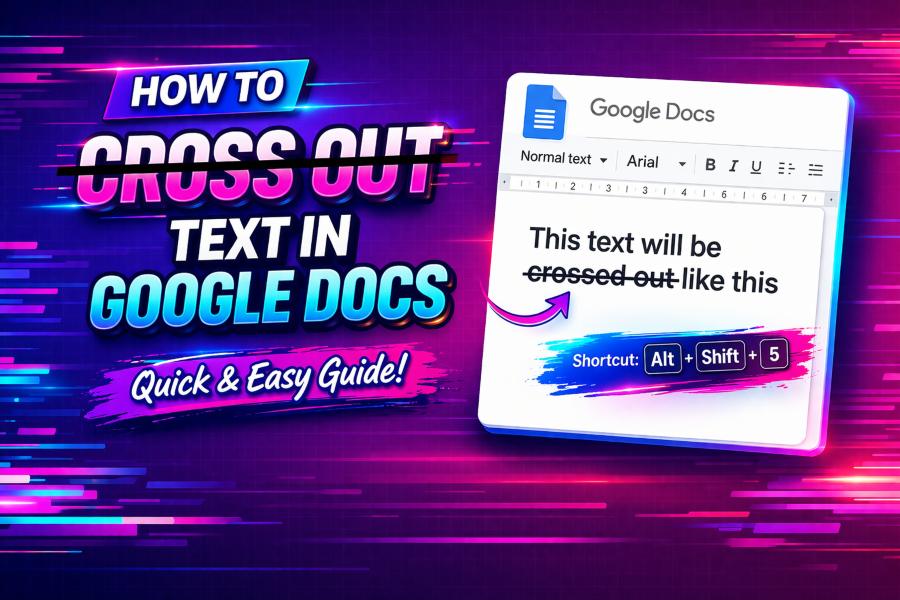
Google Docs is a powerful tool for creating and editing documents, and one feature that can significantly enhance your workflow is strikethrough text. Strikethrough allows you to cross out text, indicating that it is no longer relevant, while keeping it visible. ...
by Emma Dennison | How to
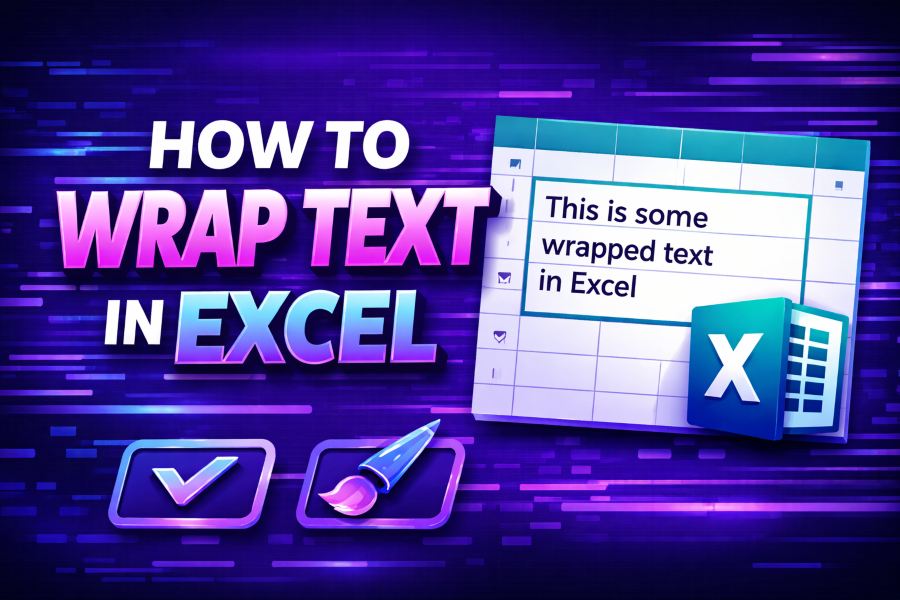
Working with data in Excel can be a real challenge, especially when you’re dealing with long text strings. One of the most essential formatting features to make your worksheets look more organized is wrapping text. When you wrap text in a cell, it ensures that the...
by Emma Dennison | How to
IntroductionCreating glitchy text is a fun and creative way to add a digital, distorted aesthetic to your content. Whether you’re designing graphics, writing social media posts, or working on digital art, glitchy text can make your content stand out. In this guide,...