
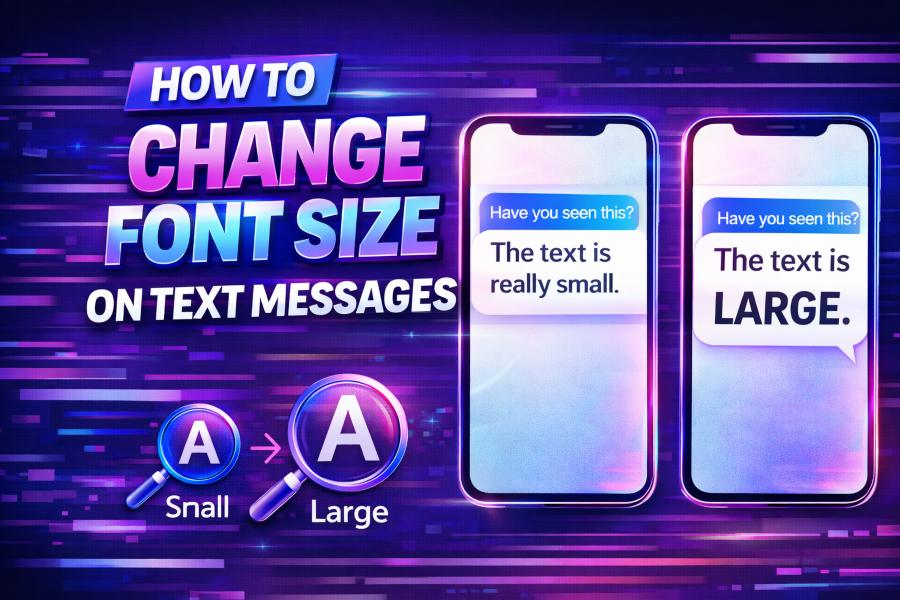
Font size can have a significant impact on your text messaging experience. Whether you’re looking to make your texts easier to read or just want to adjust the font for personal preference, it’s an easy customization to make.
In this guide, we’ll walk you through the steps to change the font size on both Android and iPhone, and explore other helpful tips to enhance your messaging experience.
Why Change Font Size on Text Messages?
Adjusting the font size for your text messages isn’t just about aesthetics; it’s about improving readability. Larger text sizes can be a game changer for people with vision impairments or those who prefer easier-to-read messages. On the other hand, a smaller font might be preferred by those who like to keep their interface looking neat and compact. Regardless of your preference, changing the font size is a simple adjustment that can make texting more enjoyable.
How to Change Font Size on Android Devices
Android devices allow you to customize your font size through the settings, giving you full control over your text size. Here’s how to change it:
- Open the Settings app.
- Scroll down to Display and tap on it.
- Find and select Font Size and Display Size.
- Use the slider to increase or decrease the font size to your liking.
This adjustment will apply across the entire system, including messaging apps, making it easier for you to read and interact with your texts.
How to Change Font Size on iPhone
For iPhone users, adjusting the font size is equally simple. Follow these steps:
- Go to Settings.
- Tap Display & Brightness.
- Choose Text Size.
- Adjust the slider to make the font larger or smaller.
Additionally, if you need larger text across your device, you can enable Larger Accessibility Sizes. Go to Settings > Accessibility > Display & Text Size > Larger Text to increase the text size beyond the standard options.
Customizing Font Size in Texting Apps
In addition to adjusting the system-wide font size, some messaging apps also allow you to customize font sizes directly within the app itself. This can be particularly helpful if you want to change the size for specific conversations or apps.
For example, on WhatsApp, you can go to Settings > Chats > Font Size and choose between Small, Medium, or Large options. Similarly, in Facebook Messenger, you can adjust the text size through the app’s settings for more control over your messaging experience.
Why Adjust Font Size for Better Readability?
Font size affects not only the readability of your texts but also your comfort when using your device. A larger font size can reduce eye strain, especially if you often find yourself reading for extended periods. By increasing the font size, you can avoid squinting and focus more on the conversation. On the other hand, a smaller text size can keep the interface cleaner and more organized, reducing clutter.
Troubleshooting Font Size Issues
Changing the font size can sometimes lead to issues with app layouts, especially if the font size is too large. Some users may experience text overlaps or misalignments, particularly with smaller app interfaces. If you’re experiencing issues with your messages, adjusting the font size a little might solve the problem. For instance, users have reported issues when apps like Instagram appear glitchy due to unexpected changes in font sizes. If you encounter such issues, try checking out this article on Why Is My Instagram Glitching? to understand common causes and fixes.
Accessibility Features for Better Messaging
Aside from font size changes, there are several other accessibility features designed to improve the text messaging experience. Many devices now come with features like bold text or high contrast modes, which can make text stand out more clearly. Enabling these features is particularly useful for people with visual impairments, as it makes the text easier to read.
You can also explore voice-to-text options, which can help reduce the need to constantly adjust the font size, allowing your device to automatically transcribe your voice messages into text.
The Role of Larger Text for Users with Visual Impairments
For users with visual impairments, font size adjustments are essential for comfortable communication. Large font sizes ensure that texts are visible and readable without straining the eyes. Additionally, increasing the font size can significantly enhance the accessibility of your device, enabling users to interact more comfortably with their smartphone.
Use the Free Glitch Text Generator to Customize Your Messages
If you enjoy customizing your text beyond just size, consider using a tool like the free Glitch Text Generator. This tool allows you to create unique, glitchy fonts for your messages, adding a fun twist to your usual text. Whether you want to add personality to your texts or create something truly unique, this tool is perfect for experimenting with different font styles.
Customizing Text Messages Beyond Font Size
While changing the font size is an excellent way to enhance your text experience, you can also explore other customization options. For instance, some apps let you adjust text alignment, apply color to your messages, or even add custom fonts. Exploring these features adds even more layers of personalization, helping you create a truly unique text messaging experience.
The Future of Font Size Customization
As smartphone technology continues to evolve, it’s likely that font customization will become even more versatile. Upcoming software updates may offer additional options for text size, color, and style within messaging apps, making it easier for users to tailor their experience even further. The future of text customization is bright, and the possibilities are endless.
Conclusion
Customizing the font size on your text messages is more than just a cosmetic change—it’s an essential feature for improving the readability and accessibility of your texts. Whether you need larger text for easier reading or smaller text for a cleaner interface, adjusting the font size ensures a more comfortable and personalized messaging experience. By following the simple steps in this guide, you can quickly adjust the font size on your Android or iPhone device and enjoy a better texting experience.